A hearing aid’s whistling sound can be associated with fit, device operation, or blockage, so the useful first step is to describe when it occurs and check the manufacturer’s instructions. Do not force the device deeper, probe your ear, or ignore pain or a sudden hearing change while trying to stop the noise.
What to keep in mind
- Describe when the sound happens and whether the device is being worn.
- Check placement and approved cleaning instructions without forcing a fit.
- A sudden hearing change needs immediate medical attention, not more device troubleshooting.
Describe the sound before changing the device
NIDCD explains that hearing-aid feedback can involve a device that does not fit or work well or a blockage involving earwax or fluid. That explanation is not a diagnosis of your particular sound. A description of what you notice is more useful than immediately deciding that the device needs more volume or a different tip.
Record whether the sound occurs while inserting the hearing aid, after it is in place, when a hand or phone comes near it, or when it is outside the ear. Include the model and setting. Do not keep repeating an uncomfortable situation simply to collect an example for support.
Check the documented placement
Remove the device if it is uncomfortable. Review the fitting diagram and the instructions for the correct side, tip attachment, and intended position. A hearing aid should not be pushed deeper merely because that temporarily changes a sound. If you are unsure whether the tip is seated correctly, ask for model-specific assistance.
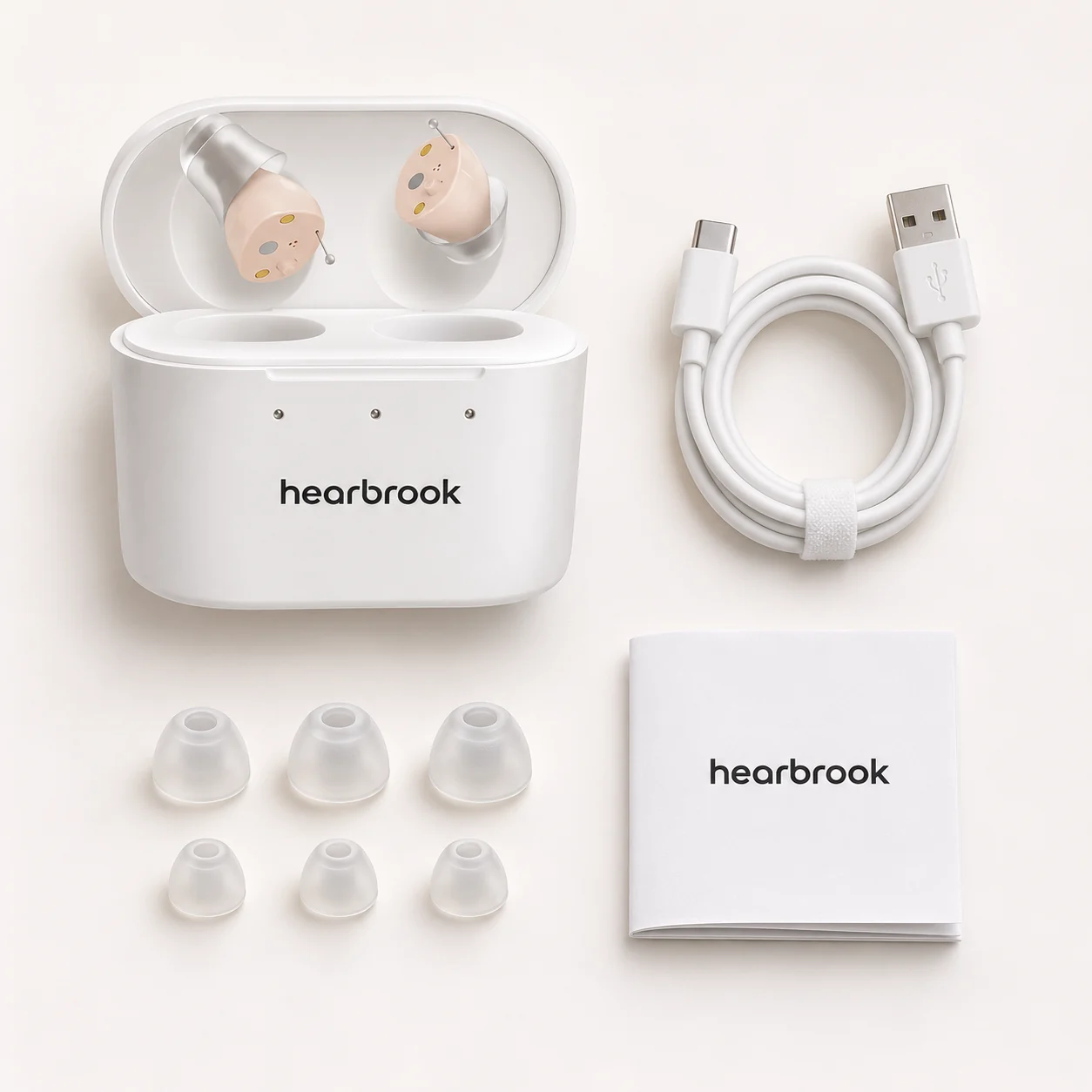
If the instructions describe a choice of tips, follow that process rather than using a tip borrowed from an unrelated product. A part that appears to fit mechanically is not confirmed to be appropriate. Keep the original parts available so support can understand what has changed.
Inspect only what the instructions permit you to inspect
Look for obvious damage or a detached part without opening the electronic body. Follow the approved cleaning method for the sound outlet and tip. Do not use a needle, solvent, compressed air, or another improvised method because the opening looks small. Ask support what procedure is allowed for your exact model.
Device cleaning is different from removing something from the ear. Do not use the supplied cleaning tool inside your ear canal or attempt to extract a suspected blockage yourself. Tell a health professional about symptoms or suspected material in the ear instead of treating the device instructions as an ear-cleaning procedure.
Send a support request that identifies the unresolved question
State the model, when the sound happens, the documented placement and setting, and any permitted check already completed. A clear photo of the assembled device outside the ear can help explain a tip question. Do not include payment credentials or unnecessary medical records in a routine product request.
Ask what to do next and whether the device should remain out of use until the question is resolved. If the reply suggests a feature or part that your instructions do not mention, ask for confirmation that the advice applies to your model. Do not improvise a repair to avoid requesting a replacement or return.
Do not confuse an equipment problem with a hearing emergency
NIDCD says sudden deafness symptoms should be treated as a medical emergency and assessed immediately. If your hearing changes suddenly, do not wait for a support reply or assume the change is simply a weak battery. A retail troubleshooting checklist cannot establish what caused the change.
Pain, discharge, severe dizziness, a retained device part, or other concerning ear symptoms also belong with an appropriate health professional. For an ordinary unresolved product problem, use product support or review the return process. The goal is a safe answer to the specific problem, not keeping the device in use at any cost.
Common questions
Should I push the hearing aid farther in to stop feedback?
No. Follow its fitting instructions and do not force it deeper. Remove it if it hurts and ask for help.
Can a support checklist rule out an ear problem?
No. Symptoms and sudden changes require appropriate medical assessment; a product checklist is not a diagnosis.
Sources & updates
This guide links to public hearing-health information and practical product-selection resources. It has not been presented as a clinical assessment or an individual treatment recommendation.
- NIDCD: Hearing Aids ↗Accessed 2026-11-13
- NIDCD: Sudden Deafness ↗Accessed 2026-11-13
Find our editorial and corrections policy. Notice something that needs updating? Send a correction.